
People
Members and families
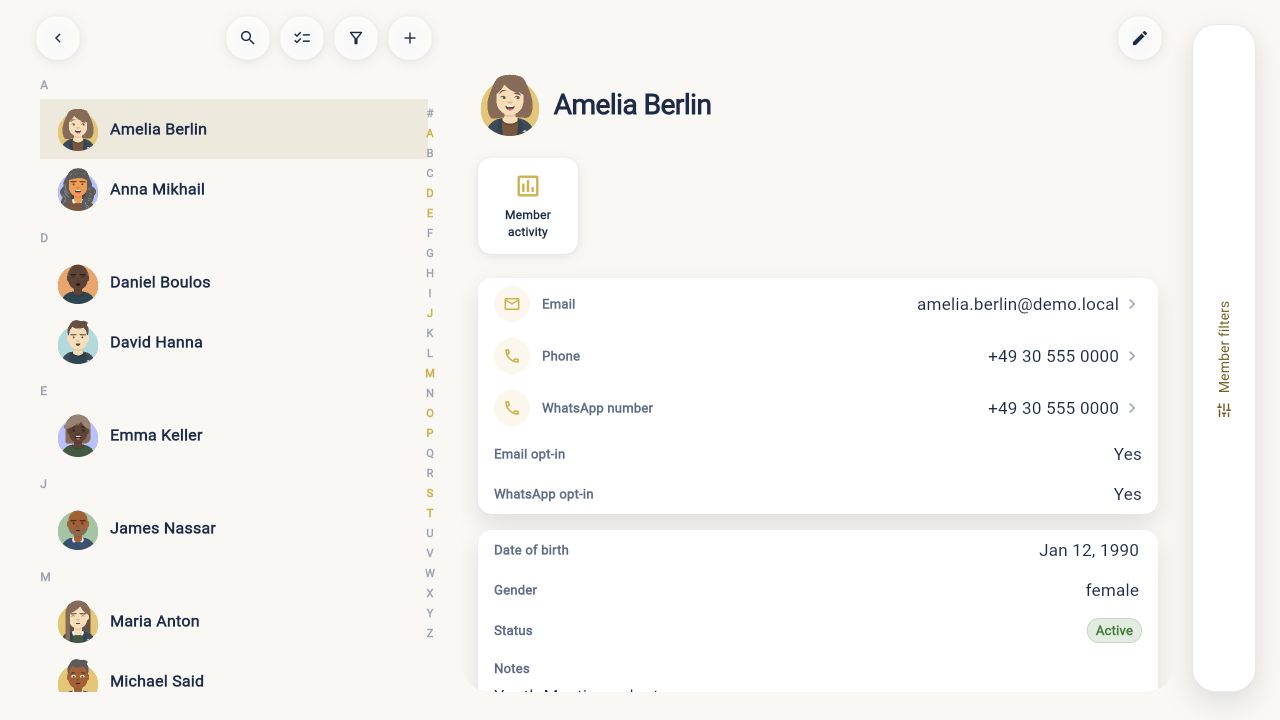
Search records, keep households together, and maintain the contact details your team relies on.
Manage members, families, ministries, groups, events, attendance, follow-up and reporting without rebuilding the picture across spreadsheets.
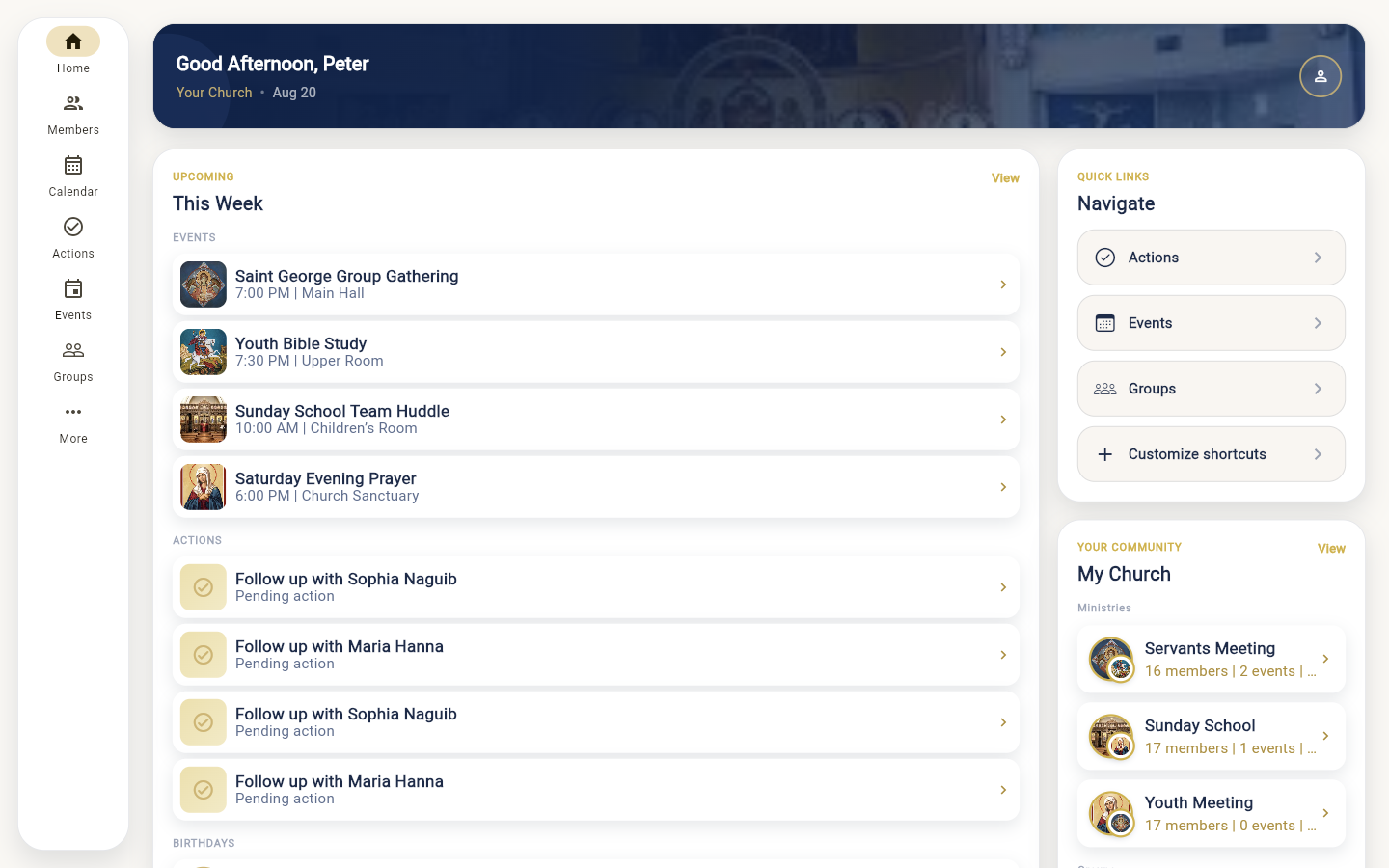
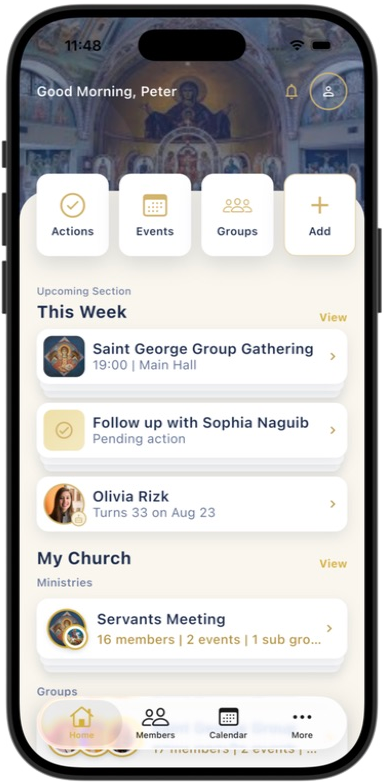
People, ministries, the week’s events, follow-up, and reporting stay in one working system—so the team shares the same picture.
People
Search records, keep households together, and maintain the contact details your team relies on.
Structure
Reflect how your church is organized—ministries, groups, leaders, and the people in each.
The week
Schedule recurring events, open the calendar, and record attendance on the same occurrences.
Follow-through
Keep pending actions and visit notes attached to the person, group, or ministry they concern.
Oversight
Export the views leadership needs, and limit each role to the church information it should see.
Contact details, household relationships, groups, attendance, and care history stay connected to the person—not scattered across files.
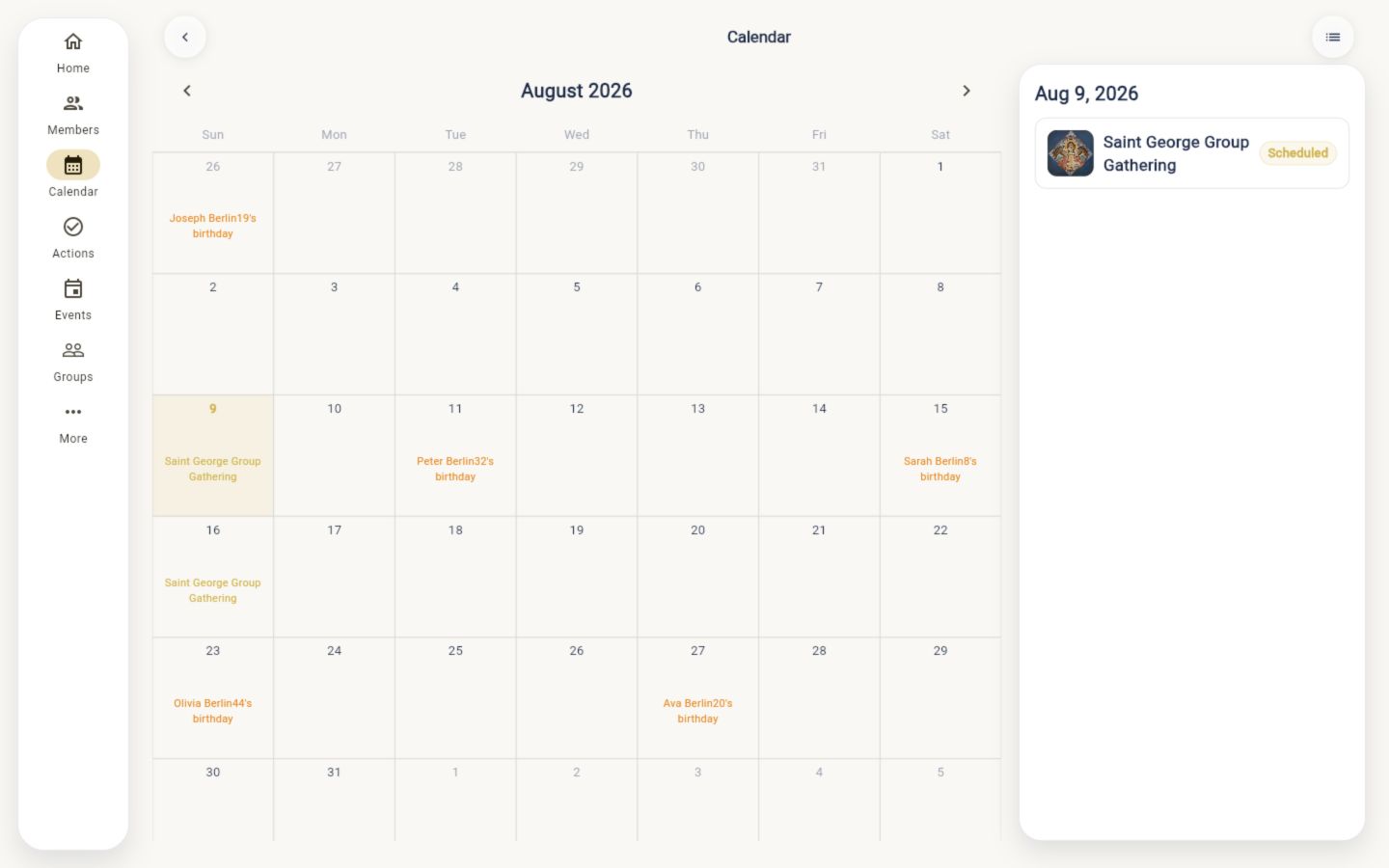
Plan recurring events, connect them to ministries and groups, and record attendance against the actual occurrences—not a separate spreadsheet.
01Plan the event and its recurrence
02Connect the ministry or group
03Record attendance for the occurrence
Assign roles per church so administrators, ministry leaders, and members each see the information their work requires—nothing more.
Church-wide
Configure people, ministries, users, and reporting for the whole church.
Assigned scope
Work with the members, groups, events, and actions inside their ministry.
Personal
See the personal church context shared with their account.
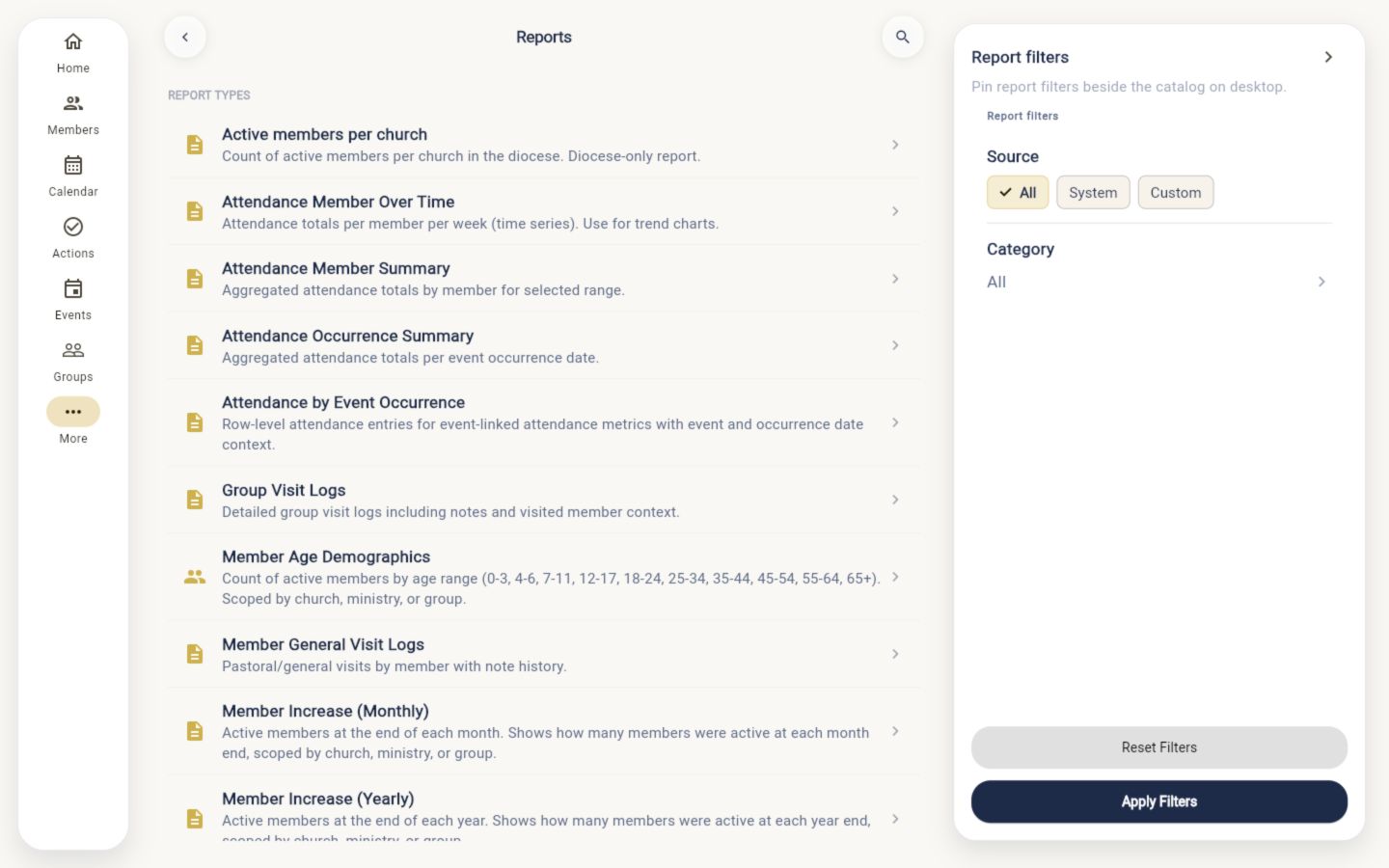
Run and export member, attendance, and activity reports from the records your team already maintains—without rebuilding the data for each ask.
Examples from the reports catalogue
A short walkthrough is the clearest way to check fit—no generic demo script, just your structure and the work your team already does.